
Loading...
Loading...
The 50
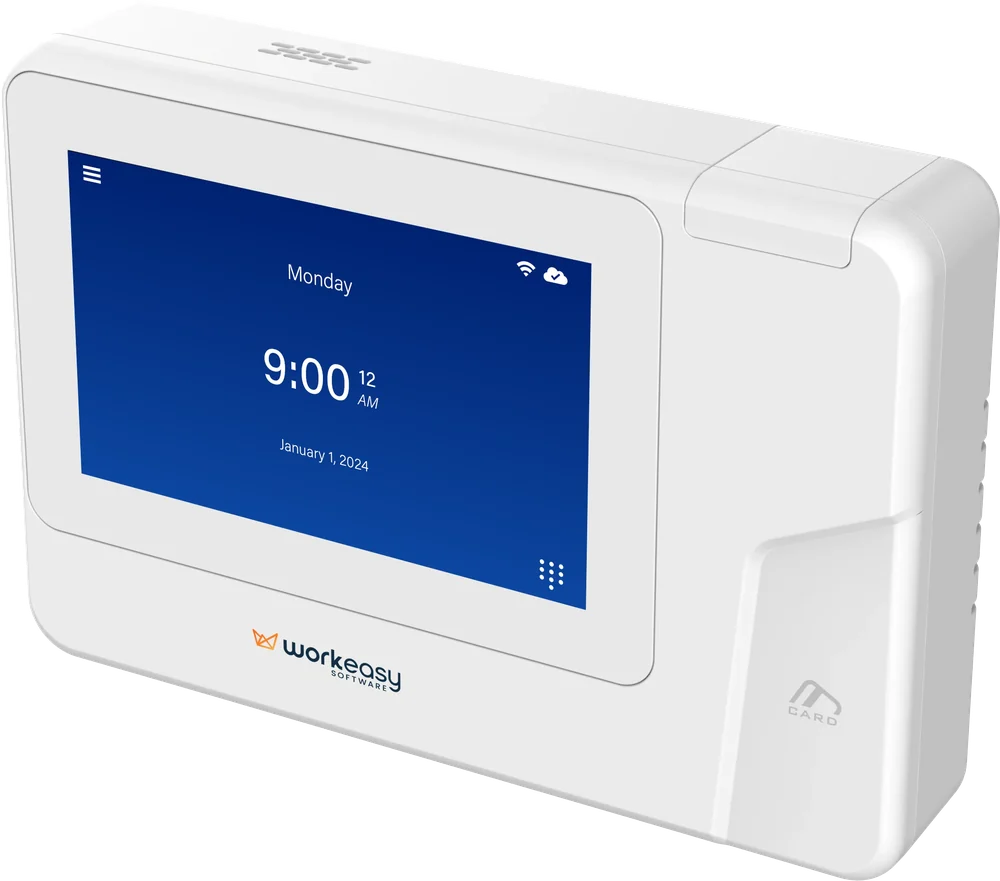
The 50 lets employees clock in and out with a tap of their proximity card or a quick PIN. It works with the badge formats many teams already carry, collects no biometric data and sends every punch straight to EasyClocking.
RFID Card Reader
PIN Clock-In
WiFi or Ethernet
PoE+ Powered
Trusted by 10,000+ teams in America's toughest industries
The 50 RFID time clock collects real-time punch data in busy workplaces with a card reader, a PIN option and flexible network and power settings.
Reads standard 125 kHz proximity cards, with optional HID Prox, OMNIKEY and MIFARE readers.
Employees can clock in with a PIN on the 5-inch touchscreen instead of a card.
Flexible network settings keep the clock online on WiFi or a wired connection.
A single Ethernet cable can carry both power and data, so there is less wiring to run.
Encryption and authentication protocols protect time data in storage and in transit.
No fingerprints or face scans are captured, so there is no biometric enrollment.
Tap or PIN
Employees clock in with a proximity card or a PIN, whichever you set for them.
Reuse your badges
Reads 125 kHz cards as standard, with optional HID Prox, OMNIKEY and MIFARE readers.
No biometric data
No fingerprints or face scans are collected, so there is no biometric enrollment step.
Simple install
Wall mounted, online over WiFi or Ethernet and powered by an adapter or a single PoE+ cable.
Rules at the clock
Punch restrictions and break attestation keep hours inside the schedule and breaks on the record.
One platform
The 50 syncs to the same EasyClocking dashboard as every other clock in your lineup.
Tap and Go
Employees hold their proximity card up to the reader to clock in or out. There is no sensor to touch and nothing to line up, which makes the 50 a good fit for busy entrances and shift changes.

Card Reader Options
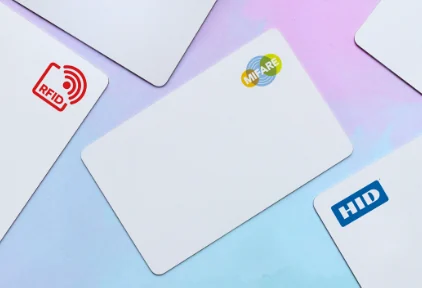
The 50 reads standard 125 kHz proximity cards out of the box. Optional HID Prox, OMNIKEY and MIFARE readers let it work with many of the access control badges your team already carries, so you may not need to issue a second card.
Authentication Options
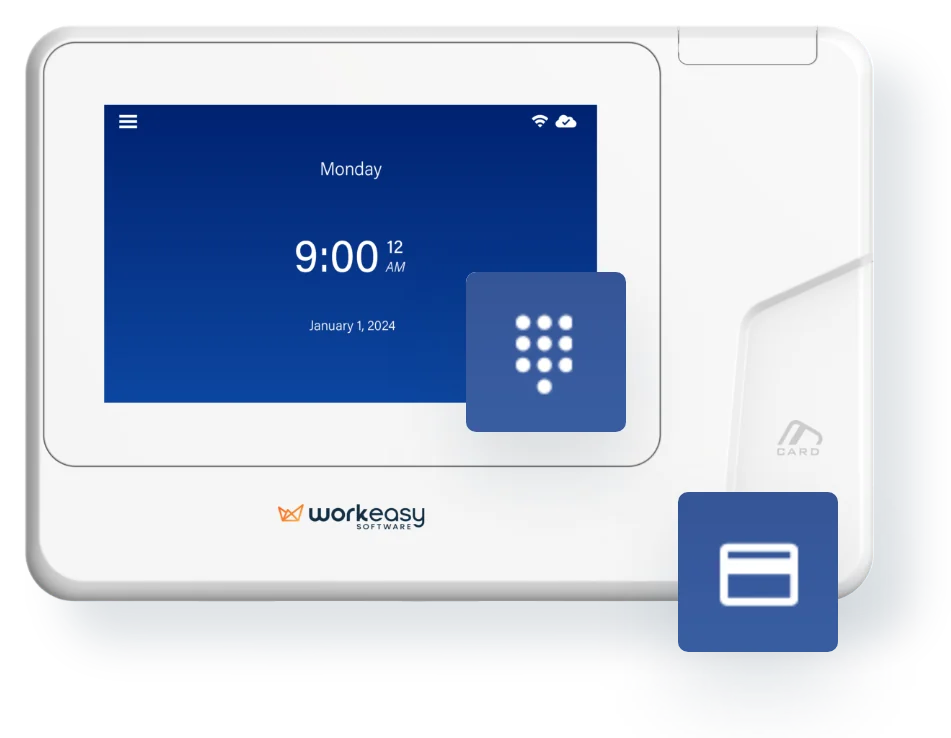
Choose how each employee clocks in. Enroll each person with a smart card or a PIN, so a forgotten badge does not turn into a missed punch or a manual timesheet edit.
Employee Self-Service
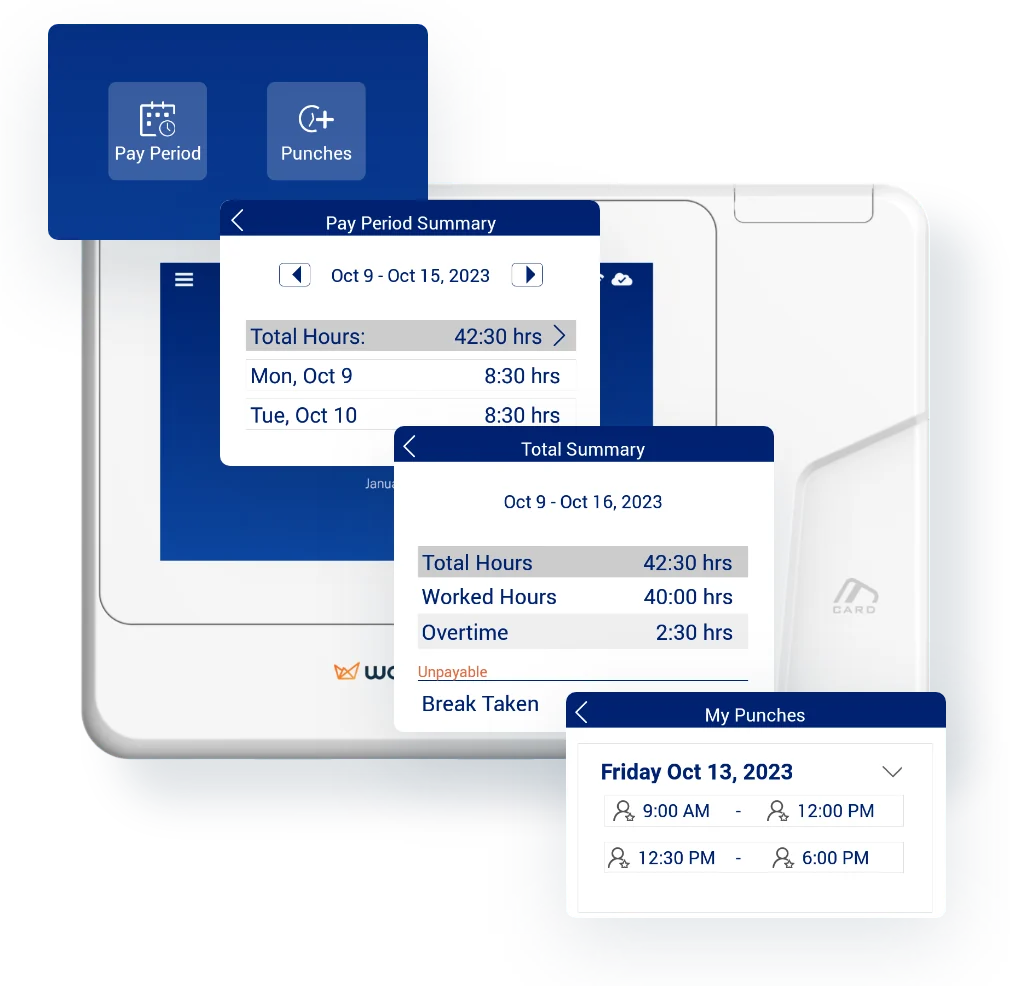
Employees can review the hours they have worked in the current pay period and look back at previous punches on the clock itself. Fewer questions reach the manager, and mistakes get caught before payroll.
Punch Restrictions
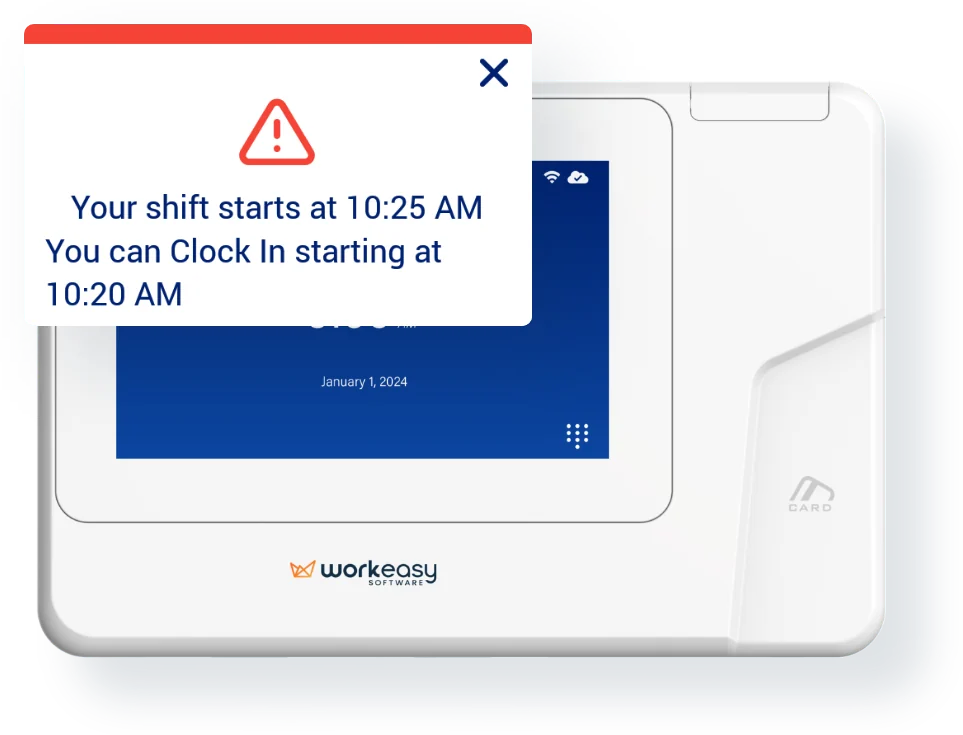
Stop early punches and unplanned overtime before they reach the timesheet. The 50 can block a clock-in or clock-out based on the employee’s scheduled shift or once they hit overtime, and it shows them when they can clock in.
Break Compliance
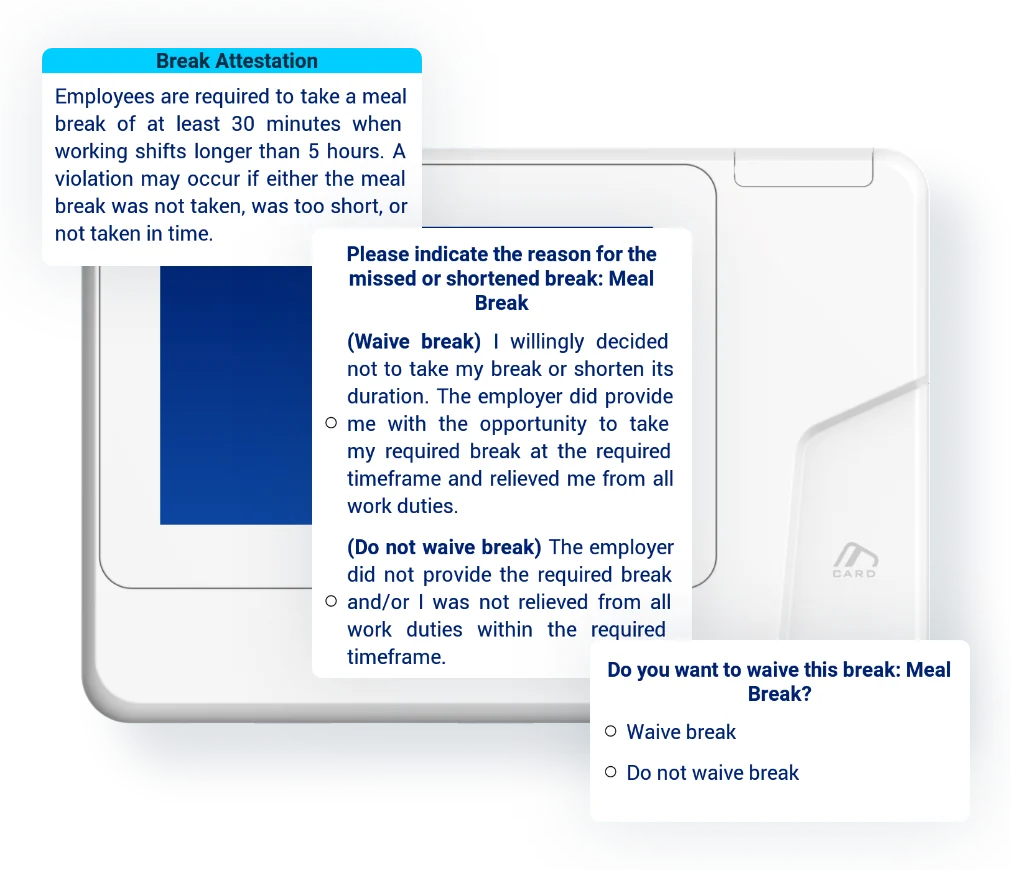
Employees select, waive or attest to a break directly on the time clock, and you can require minimum break times. That gives you a clear record of each break decision and helps you follow your break policies.
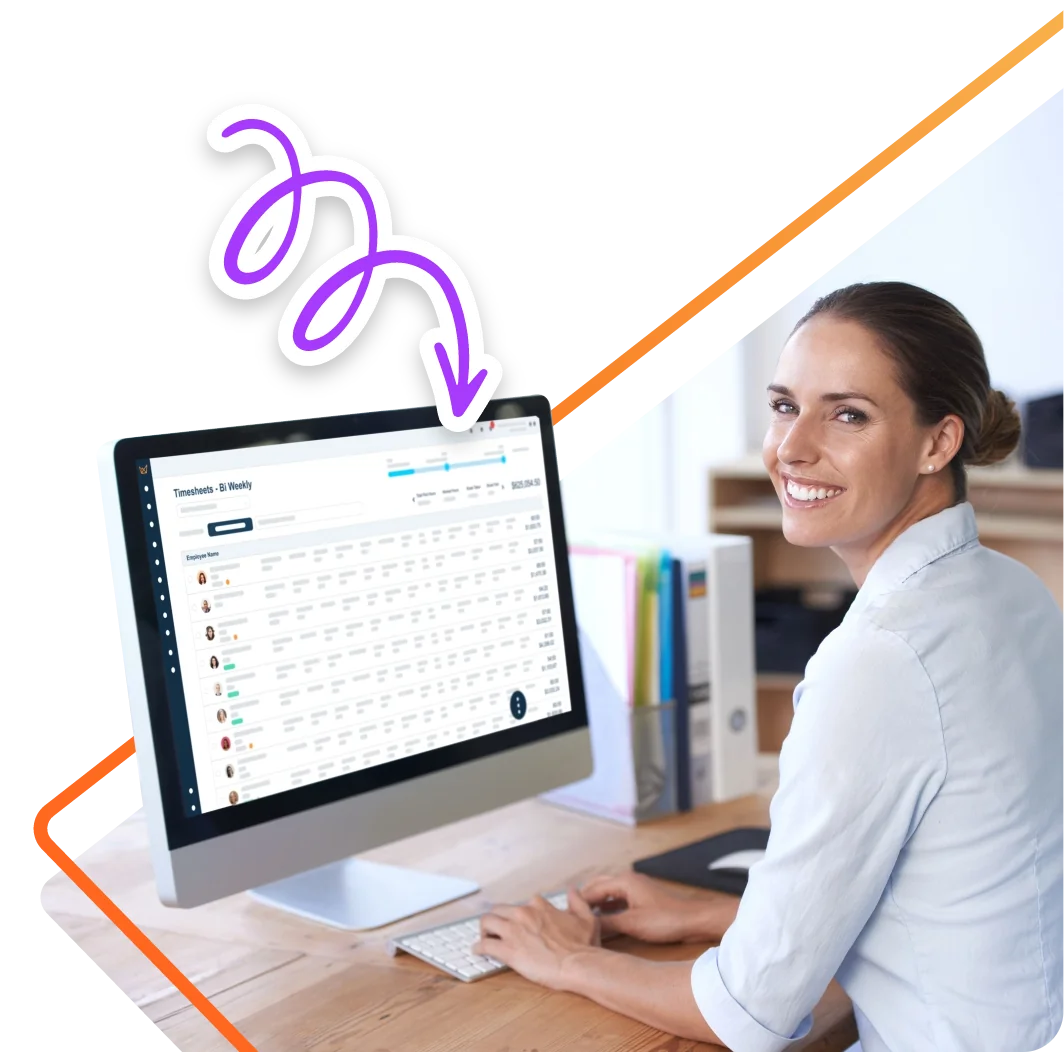
The 50 ships fully integrated with EasyClocking time and attendance. Every tap and PIN entry lands in the same dashboard your managers already use, so hours flow straight into approvals, scheduling and payroll with no exports or re-keying.
Get a custom quote for your workforce, no commitment required.
The features and technical details that make the 50 a dependable proximity card time clock for high-traffic indoor workplaces.
Everything you need to mount the 50 and get it online, from the power adapter to the wall bracket and anchors.
Free weekly brief
Product updates, deployment tips and practical guides for building accurate, payroll-ready time tracking across your operation.
No spam. Unsubscribe anytime.
Answers to common questions about the 50 RFID time clock.
An RFID time clock records employee punches when a proximity card or badge is held near its reader. The 50 reads the card, records the clock-in or clock-out and sends it to EasyClocking, where managers review hours, approve time and prepare payroll. Employees can also clock in with a PIN.
Often, yes. The 50 reads standard 125 kHz proximity cards, and optional HID Prox, OMNIKEY and MIFARE readers cover many of the badge formats used for door access. Tell us which cards you use today and we will confirm the right reader before you order.
Each card and PIN is tied to one employee, and the 50 records every punch against that employee, so you always know which credential was used and when. A card or PIN cannot confirm who is holding it, though. If you need to verify identity at every punch, look at a biometric model such as the 200 fingerprint clock or the F1000 facial recognition clock.
No. The 50 has no fingerprint sensor and no camera. Employees clock in with a card or a PIN, so there are no fingerprints or face scans to enroll or store. Many employers choose it for exactly that reason.
The 50 is built for indoor workplaces with a lot of employee traffic and a need for quick, clean clocking, such as health care, physicians’ offices, hospitality, restaurants, bakeries and legal offices.
The 50 connects to EasyClocking over WiFi or Ethernet. It runs on the included 12V/2A adapter or on PoE+ (IEEE 802.3at), so a single Ethernet cable can carry both power and data. It mounts on the wall with the included bracket.
The 50 uses encryption and authentication protocols to protect time data while it is stored on the clock and while it travels to EasyClocking.
The 50 is the card and PIN clock in the EasyClocking lineup. When you need every punch verified by identity, compare it with our fingerprint and facial recognition clocks, all managed from the same dashboard.
Join 10,000+ companies in America's toughest industries who trust EasyClocking for punches tied to the real person and hours their payroll can use as-is.
Trusted by 10,000+ teams in America's toughest industries