
Loading...
Loading...
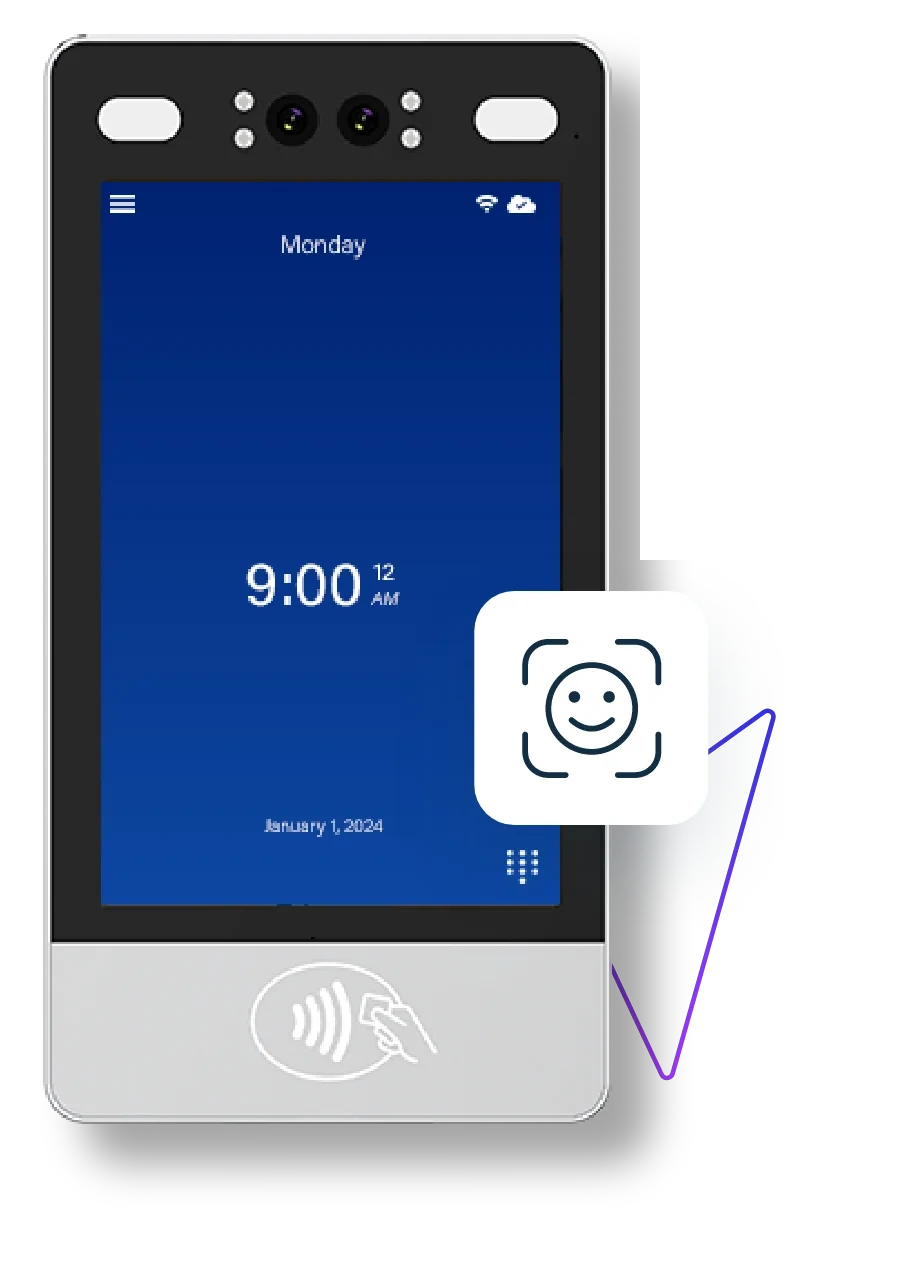
The F1000
The F1000 identifies each employee by face, rejects photos with liveness detection and encrypts every record. Employees clock in without touching a thing, and you get hours you can trust at payroll.
Facial Recognition
Liveness Detection
Data Encryption
Selfie Enrollment
Trusted by 10,000+ teams in America's toughest industries
The F1000 facial recognition time clock is easy to set up, easier to use and captures accurate punches around the clock.
A dual-lens RGB and infrared camera verifies each employee with no contact.
Rejects a printed photo or a picture on a phone held up to the camera.
Biometric data, employee details and punches are encrypted.
Employees enroll themselves at the clock by taking a selfie.
Contactless MIFARE cards give employees a second way to clock in.
Connect over WiFi or a wired network to keep punches syncing to the cloud.
Touchless facial recognition
A dual-lens RGB and infrared camera verifies each employee with no contact and no shared surfaces.
Liveness detection
Photos and phone screens are rejected, so punch sharing stops at the clock.
Encrypted biometric data
Face data, employee details and punches are encrypted and access is limited.
Selfie enrollment
Employees enroll themselves at the device with no separate enrollment station.
Rules enforced at the clock
Punch restrictions and break attestation keep hours valid and breaks on the record.
One platform
The F1000 syncs to the same EasyClocking dashboard as every other clock in your lineup.
Anti-Spoofing
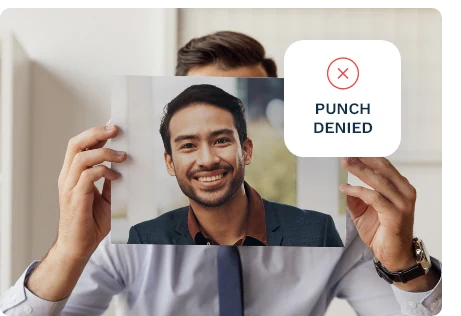
The F1000 checks that a real, present person is standing at the clock. Hold up a printed photo or a picture on a phone and the punch is denied, so no one can clock in or out for someone else and every hour on the timesheet belongs to the person who worked it.
Privacy Protection
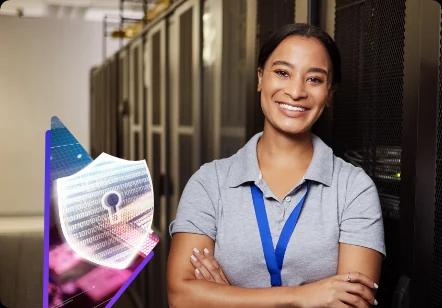
The F1000 encrypts biometric data, employee information and clock-in and clock-out records. Access is limited to authorized people, so your team gets the accuracy of facial recognition without loose biometric files sitting on a shared device.
Self Enrollment
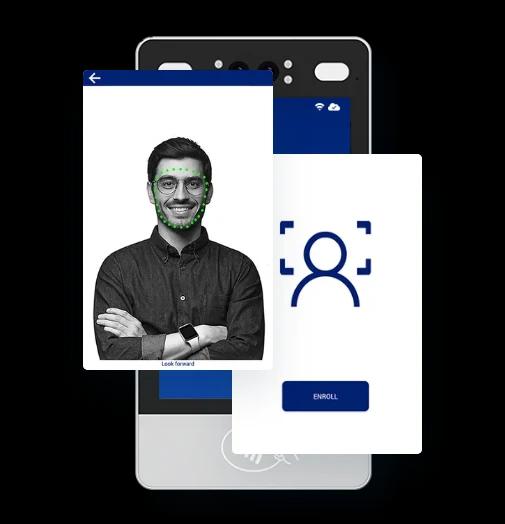
New hires enroll at the clock by taking a selfie. There is no separate enrollment station and no waiting on a manager, so onboarding is quicker and employees are ready to clock in on their first shift.
Punch Restrictions
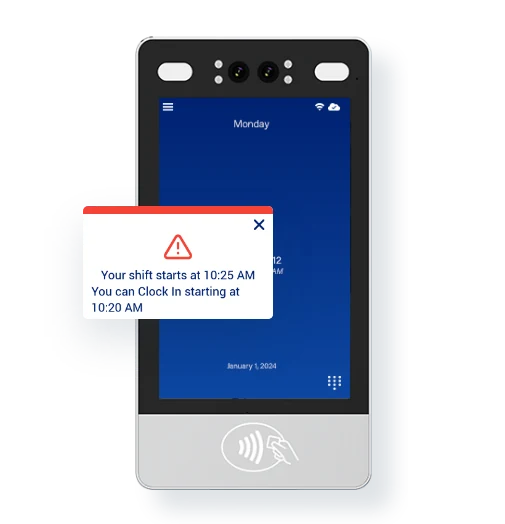
Stop early clock-ins and unapproved overtime at the source. The F1000 can block a punch outside an employee’s scheduled shift or once they reach overtime, and it tells them when they can clock in.
Break Compliance
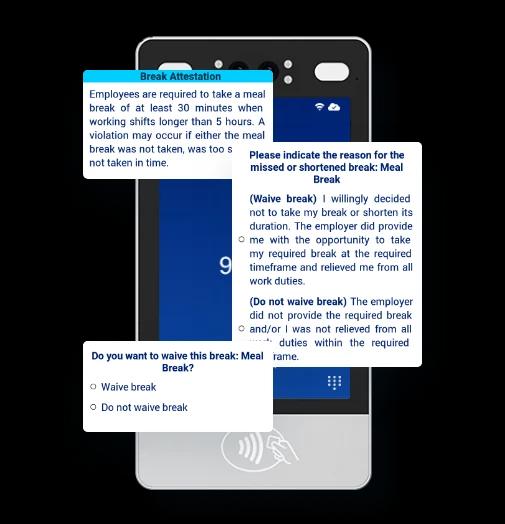
Employees select, waive or attest to a meal or rest break right on the time clock. The record of what happened and why is captured at the moment it happens, which helps you show that minimum break times were offered and taken.
Remote Configuration
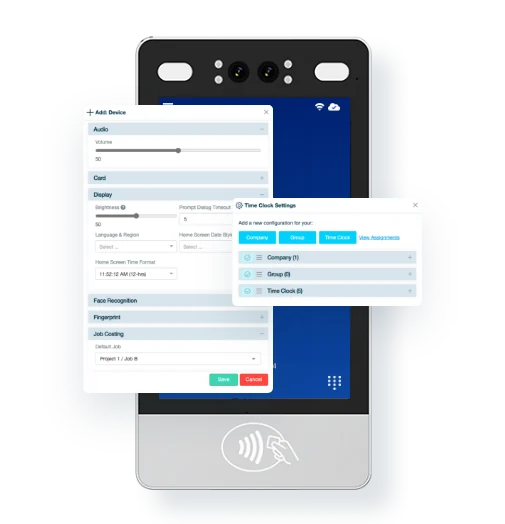
Configure F1000 settings from the EasyClocking web app instead of walking to each device. Set defaults by company, group or individual clock, and use employee permissions to control who can change what.
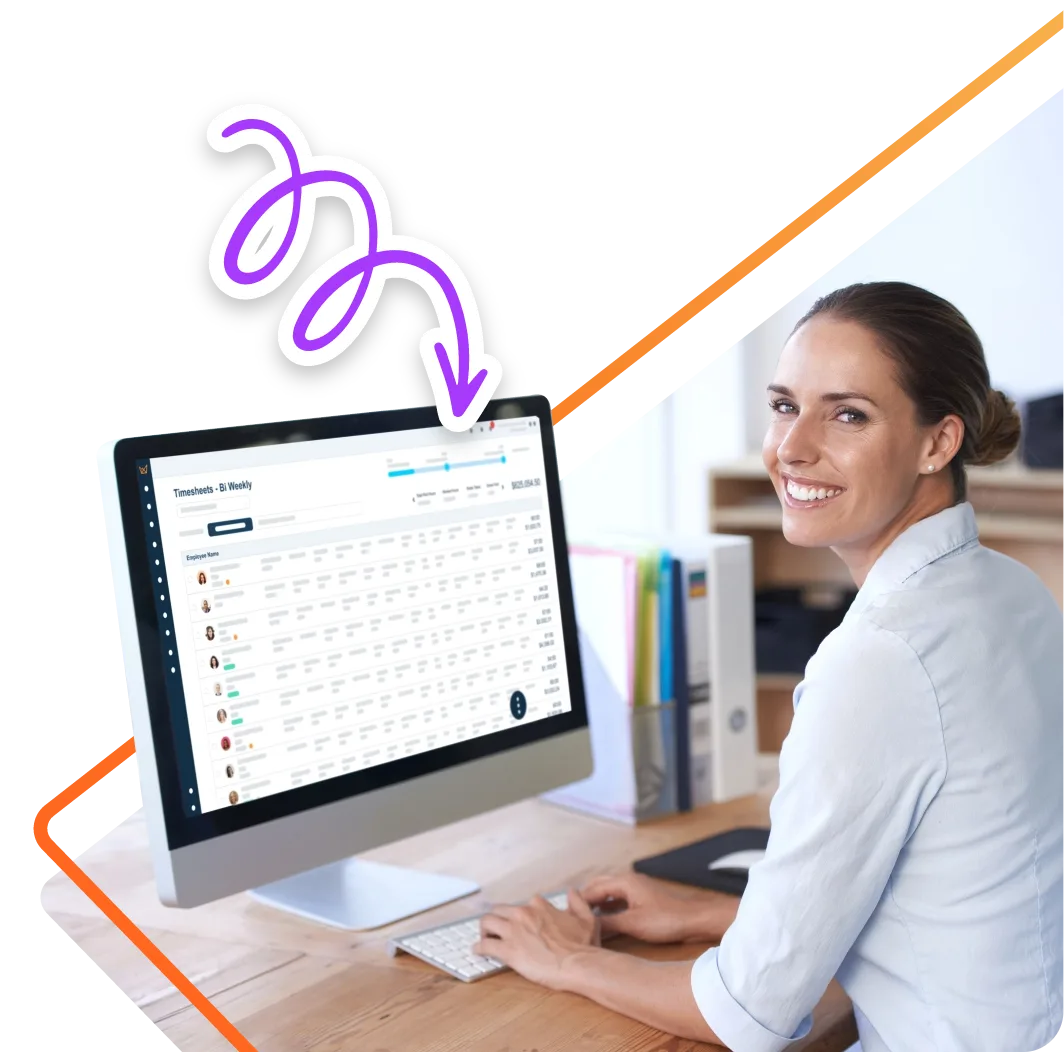
The F1000 ships fully integrated with EasyClocking time and attendance. Every verified punch flows straight into approvals, scheduling and payroll, and employees can review their hours and recent punches right from the clock. Post announcements and pulse surveys to the screen to reach the whole team where they clock in.
Get a custom quote for your workforce, no commitment required.
The specifications behind the F1000, from the dual-lens camera to the IP65-rated housing.
Everything you need to mount the F1000 and start clocking in on day one.
Free weekly brief
Product updates, deployment tips and practical guides for building accurate, payroll-ready time tracking across your operation.
No spam. Unsubscribe anytime.
Answers to common questions about the F1000 facial recognition time clock.
A facial recognition time clock records employee hours by verifying each person’s face at the device. The F1000 uses a dual-lens RGB and infrared camera to identify employees with no contact, then sends each punch to EasyClocking, where managers review hours, approve time and prepare payroll.
The F1000 identifies each employee by their face and uses liveness detection to catch someone trying to clock in with a printed photo or a picture on a phone. One employee cannot clock in or out for another, so the hours on the timesheet match the hours actually worked.
The F1000 encrypts biometric data, employee information and clock-in and clock-out records, and access is limited to authorized people. Before rolling out any biometric time clock, check the biometric privacy laws where you operate and get employee consent before enrollment.
Employees enroll by taking a selfie at the time clock. There is no separate enrollment station, so new hires can be set up and clocking in on their first day.
Yes. The F1000 has a built-in MIFARE contactless card reader and supports PIN clock-in, so you can offer a non-biometric option to any employee who needs one.
Facial recognition works best with good, even lighting that is free of strong shadows. The F1000 pairs an infrared lens with a white LED fill light to help, but mount it where faces are evenly lit rather than in front of a bright window.
The F1000 mounts on a wall with the included bracket and runs on a 12V AC adapter. It connects to EasyClocking over WiFi or Ethernet. It does not support Power over Ethernet, so plan for an outlet near the mounting spot.
The F1000 is the touchless, wall-mounted model in the EasyClocking lineup. Compare it against every time clock we build, from the portable P3000 to industrial fingerprint and contactless smart card readers.
Join 10,000+ companies in America's toughest industries who trust EasyClocking for punches tied to the real person and hours their payroll can use as-is.
Trusted by 10,000+ teams in America's toughest industries